AI Email Composer (Idea)
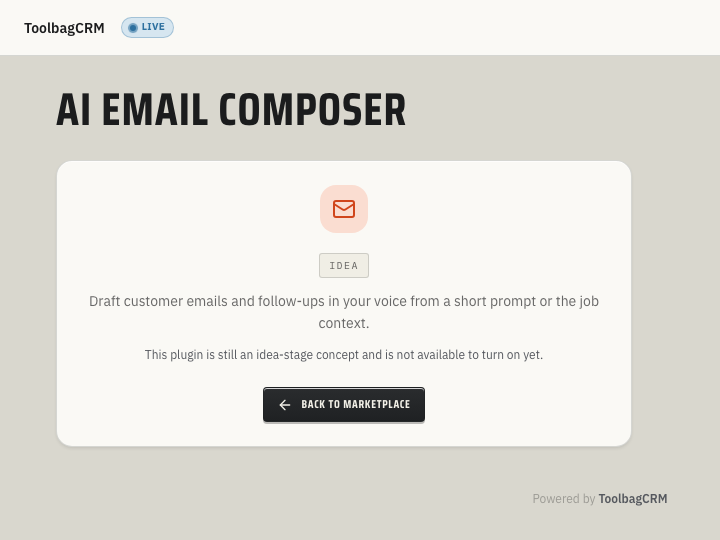
Idea stage: AI Email Composer is a concept and is not available to turn on yet. This guide describes planned behavior and may change before release.
AI Email Composer is an idea for helping office staff draft customer follow-ups while keeping a human in control of the final message. The current screen is a placeholder: it cannot generate a draft or send an email.
When to use this
If this idea is released, it could help turn a short prompt and customer or job context into a draft for your team to review and edit before sending through an available communication workflow. It cannot do that today.
Planned uses include:
- Follow-up emails after estimates, visits, or invoices.
- Clearer customer replies when a staff member knows the point but needs help wording it.
- Consistent tone for reminders, scheduling updates, and service summaries.
- Drafts that stay tied to the customer or job context that inspired them.
Before you start
- Treat the feature as idea stage until your ToolbagCRM account shows the full compose workflow.
- Decide who on your team should be allowed to create and approve AI-assisted customer messages.
- Prepare a few examples of your preferred customer tone so drafts can be reviewed against real office standards.
- Keep sensitive customer details in ToolbagCRM records instead of pasting private notes into unrelated tools.
Possible future workflow
If a compose workflow is released, a possible process would be:
- Open the customer, job, or message context you want to reply from.
- Start a draft and enter the outcome, next step, or question you need answered.
- Review any suggested subject and message body against the actual customer record.
- Edit the draft to match your company voice and have a team member approve it.
- Send it through a supported email workflow and confirm its delivery status separately.
The current Idea screen offers none of these steps. A saved or approved draft would not by itself mean an email was sent; continue to use your existing customer-email process until a released compose workflow is available.
Review checklist for AI-drafted emails
Before sending an AI-assisted email, confirm:
- The customer name, job details, dates, and amounts are correct.
- The message does not promise discounts, arrival windows, warranty coverage, or approvals that your team has not confirmed.
- The tone sounds like your company, not a generic template.
- Any next step is specific: who will do what, and when.
- A team member remains responsible for the final customer communication.
Tips
- Start with low-risk messages, such as polite follow-ups or scheduling reminders, before using AI drafts for billing disputes or service issues.
- Keep final approval with trained office staff.
- Save examples of strong customer emails so your team can compare future drafts against them.
- Review AI-written messages more carefully when they mention prices, legal terms, guarantees, or safety issues.
Troubleshooting
I only see an idea-stage screen
That is expected during the idea stage. AI Email Composer has a placeholder route while the customer-facing compose screen is still being prepared.
I cannot find AI Email Composer in daily workflow pages
AI Email Composer is not available to enable while it remains at the idea stage. Use the current placeholder as an availability notice, not a setup prompt.