Pool & Spa (Idea)
Idea stage: Pool & Spa is a concept and is not available to turn on yet. This guide describes planned behavior and may change before release.
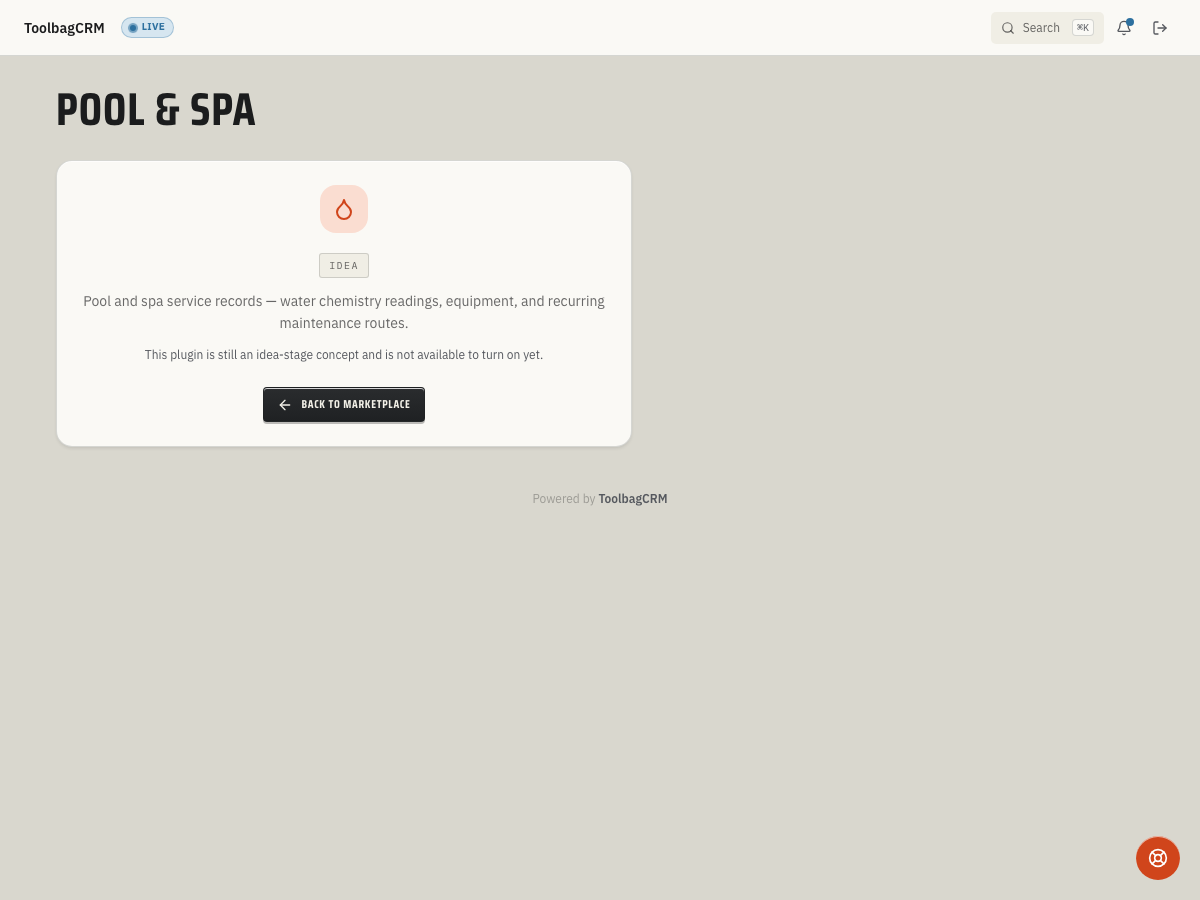
Pool & Spa is an idea for keeping customer pool profiles and chemistry readings alongside service work. The current screen cannot record readings, recommend treatments, or produce compliance logs.
When to use this
If released, Pool & Spa could help teams that service pools, spas, or swim spas keep a record of:
- Which customer owns each pool or spa.
- Pool type, approximate gallons, surface material, and sanitizer system.
- Recent water chemistry readings for the service history.
- Recommendations or notes that should be visible before the next maintenance visit.
Before you start
- Keep using your existing water-testing, treatment, and legally required recordkeeping processes; this Idea screen cannot replace them.
- Decide how your team names pools and spas, especially for customers with more than one body of water.
- Consider which measurements and visit notes your team needs to keep with each customer.
Planned workflow
If a workspace becomes available, a possible workflow would be to select the customer and pool, record measurements after a visit, and review the history before returning. The final controls, available fields, and relationship to Jobs have not been confirmed.
Chemistry readings
The current design includes fields for these common water-care measurements:
- pH
- Free chlorine and total chlorine
- Alkalinity
- Cyanuric acid
- Calcium hardness
- A recommendation summary or service note
These are design fields, not an available customer entry form. Do not rely on ToolbagCRM to calculate chemical doses or validate whether water is safe. No customer-facing calculation or compliance workflow is available.
Tips
- Use clear pool nicknames in your current records, such as
Backyard poolandGuest house spa, to avoid mixing up readings. - Keep your existing measurement and treatment records. Follow your approved test method, chemical instructions, and applicable local requirements; do not treat an Idea-stage screen as a safety or compliance tool.
- Plan separately for commercial pools. Confirm your jurisdiction's inspection and log requirements with the appropriate authority. This feature does not provide a commercial-pool flag, compliance export, or out-of-range alert today.
Current availability
The Pool & Spa route shows an Idea placeholder, not a customer-facing workspace. No release date or final workflow is confirmed. Keep your current pool-service and regulatory processes in place.
Troubleshooting
If a technician needs to record readings today, use your existing field workflow. The Idea placeholder has no entry form or treatment workflow to troubleshoot.