
AI Photo Estimate (Idea)
Idea stage: AI Photo Estimate is a concept and is not available to turn on yet. This guide describes planned behavior and may change before release.
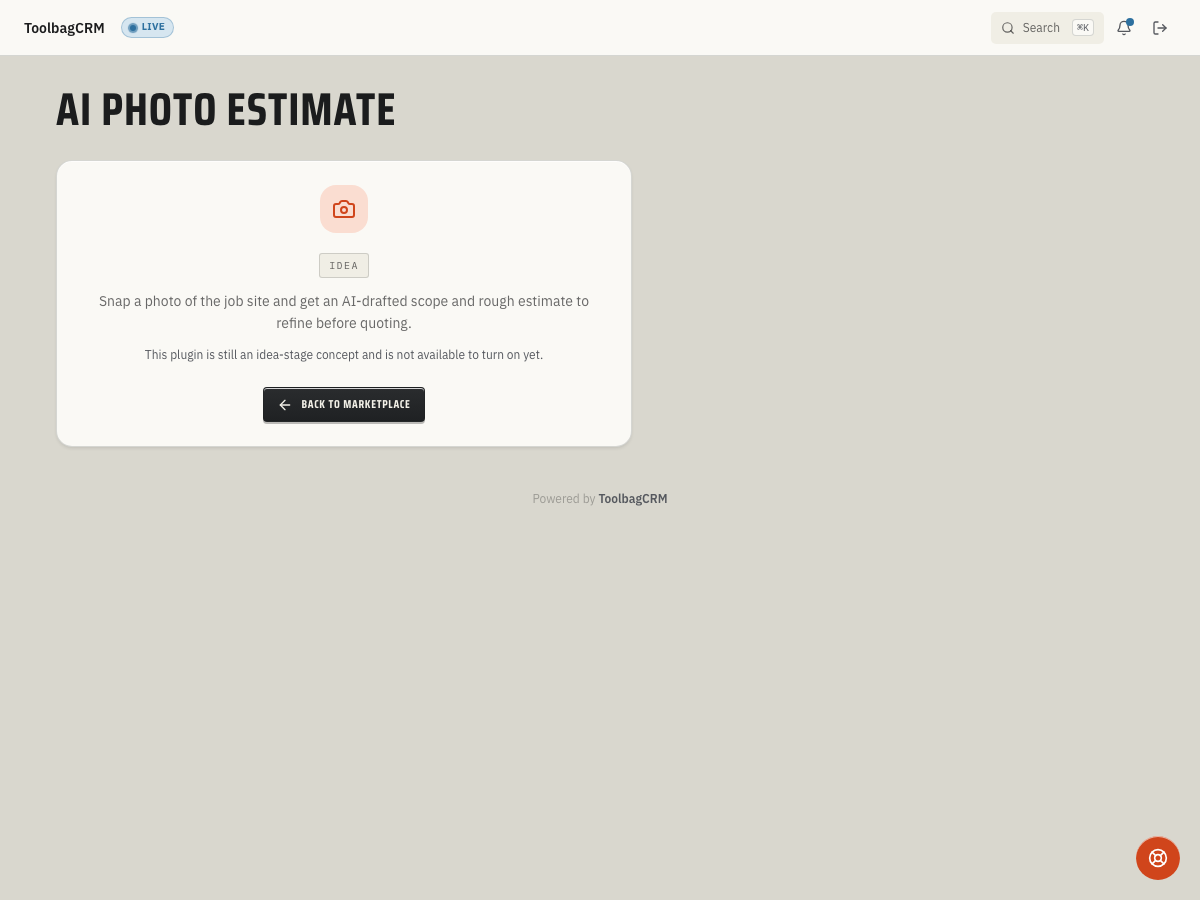
AI Photo Estimate is intended to help your team turn job-site photos into a rough scope and estimate range to review before writing a quote.
The current page is an Idea placeholder. There is no customer-facing photo upload, AI analysis, draft-quote conversion, or settings workflow. This guide describes possibilities to plan for, not steps you can use today.
When to use this
If released, AI Photo Estimate could help your office give a faster first response for photo-friendly jobs such as roofing, concrete, siding, landscape, gutters, driveway work, or general repairs.
Planned uses include:
- Letting a customer or technician submit photos of the work area.
- Capturing the job category, address, notes, and customer context before a site visit.
- Producing a rough estimate range that a human reviews before sending anything to the customer.
- Using reviewed estimate details to prepare a normal ToolbagCRM quote when the scope is ready.
- Keeping assumptions and low-confidence items visible so the team knows where manual review is required.
Before you start
- Keep customer records current; the planned request model links each estimate to a customer.
- Decide which job categories your team would trust for photo-based triage versus jobs that still require an in-person visit.
- Set an office policy that AI output is a starting point, not a binding quote.
Planned photo-estimate workflow
If an active workflow is released, a possible process would be:
- Open AI Photo Estimate from ToolbagCRM.
- Start a request for a customer and job category.
- Add photos of the work area, notes, and the site address.
- Run or wait for the analysis step.
- Review the identified scope, confidence, assumptions, and suggested low/high estimate range.
- Edit the scope or pricing before sharing anything externally.
- Write a normal ToolbagCRM quote from the reviewed details. Direct conversion from a photo estimate to a quote is not implemented and should not be assumed for a future release.
Until the active UI exposes these steps, use the idea-stage page as the source of truth for availability and do not promise customers an instant estimate from ToolbagCRM.
Planned request states
If a request workflow is released, it may use states like these. The current customer page is only a placeholder: it does not offer image analysis or a usable request workflow, and the final states and behavior may change.
- Pending — a request is recorded, not evidence that image analysis has started.
- Analyzing Images — a defined status, not evidence that a connected image-analysis service is working.
- Completed — a status that can hold a summary and low/high numbers; it does not prove that a person reviewed them or that a quote was created.
- Failed — a status for a failed request; it does not provide a customer-facing retry workflow today.
Human review rules
AI Photo Estimate is intended to speed up triage, not replace estimator judgment. Before a rough number becomes a customer-facing quote, review:
- Whether the photos show the whole job area or only a partial view.
- Missing access, safety, permit, disposal, or site-condition details.
- Material quantities and labor assumptions.
- Any low-confidence analysis notes.
- Whether the job requires a site visit before pricing can be trusted.
For risky or complex work, keep the AI result internal and schedule a normal estimate.
What to prepare now
- Build a simple checklist for the photos your team needs: wide shot, close-up, access path, damage/detail area, and any measurement reference.
- Standardize job categories so estimate requests are not scattered across inconsistent labels.
- Keep customer phone, email, and service address information current.
- Decide who can approve a photo-based rough estimate before it is converted into a quote.
Tips
- Use this as a speed-to-lead tool: reply quickly, then clearly label numbers as rough until reviewed.
- Keep assumptions visible in the customer conversation so the estimate does not look more certain than it is.
- Do not use photo estimates for jobs where hidden conditions drive most of the cost.
- If a request-and-review workflow is released, decide how your office will handle failures, such as requesting better photos or scheduling a normal estimate visit.
- Pair the workflow with normal quote review so accepted work still lands in your standard sales process.
Availability questions
The page only shows Idea
That is expected in the idea stage. The customer page shows an idea-stage placeholder, not a working photo-estimate screen.
I do not see an upload or analysis button
The upload and analysis workflow is not generally available yet. Do not promise customers an instant photo estimate until the upload, review, and draft-quote controls are visible in your account.