Booking Widget (Coming Soon)
Coming Soon: Booking Widget is being finished or tested and is not available to turn on yet. This guide describes the expected workflow and may change before release.
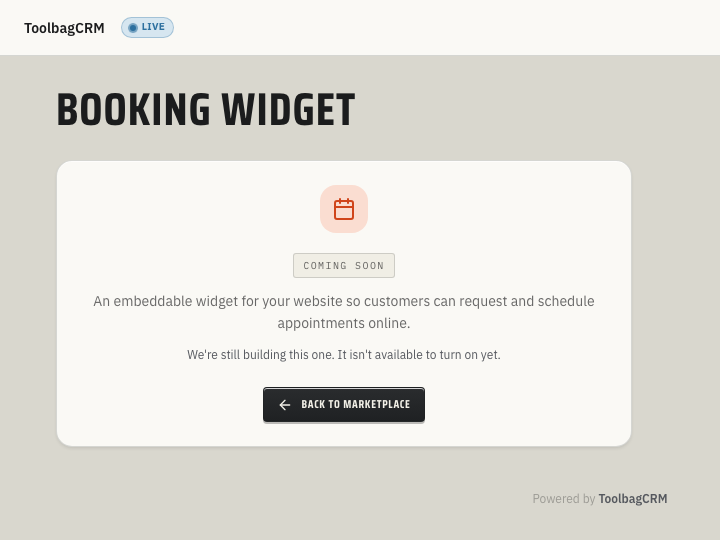
Booking Widget is planned to let customers request appointments from your website. Today the product shows a Coming Soon page rather than a usable form. The planned intake workflow may change before release; a request should not be treated as an automatically created customer, job, or scheduled visit.
When to use this
- You want website visitors to request service without calling the office.
- Your team needs a consistent intake form that captures contact information and job details in a structured format.
- You prefer the submission to land inside ToolbagCRM rather than in a shared inbox or a third-party form tool.
Before you start
- Confirm Booking Widget is included in your ToolbagCRM plan.
- Prepare this step for rollout; Booking Widget is not available to enable during the coming-soon stage.
- Keep Customers and Jobs ready for your office's follow-up. A preview submission does not automatically create or link either record.
- Decide which fields your booking form should collect — for example, service type, preferred date, property address, or a freeform description.
Planned workflow
When the active Booking Widget workspace is available, the workflow is expected to work like this:
- Create a booking form — give it a short address name, a display name, and an optional description.
- Configure fields — decide what contact and service details customers should provide.
- Enable the form — set the form to enabled so it can accept public submissions when the feature launches.
- Share the form — follow the published setup instructions once a customer-facing form is available. The current product does not provide a widget script, iframe, or public form page to embed.
- Review submissions — a future intake flow may capture contact details and form responses for office review. Do not assume it creates a customer, job, or appointment automatically; create and link the needed records through your usual workflow.
TIP
The exact UI steps may change before release. Use this outline to plan your intake process, not to publish a booking link today.
Tips
- Plan a short form with the contact and service details your office needs to respond.
- Choose a clear name for each planned form, such as
hvac-estimateorplumbing-emergency. - Before any future launch, test the real customer-facing form and confirm requests arrive in the right place. Do not publish a link from the current placeholder page.
- Decide who will review requests and contact customers promptly.
Troubleshooting
I only see a Coming Soon page
Booking Widget is still a coming-soon plugin. If your account is not in a preview program, keep using your current contact form or intake workflow until ToolbagCRM enables the active booking workspace for your account.
There is no booking link to share
The current page is a Coming Soon notice, not a customer-facing form. Keep using your existing contact form, phone, or office intake process. Wait for a released setup flow before sharing a ToolbagCRM booking link.
Will a booking request create a job?
Not automatically. The existing intake service records a request for review; converting it into a job is not connected yet. If your team is participating in a preview, create the needed customer or job through your normal workflow rather than treating a submission as scheduled work.