Tree Service (Idea)
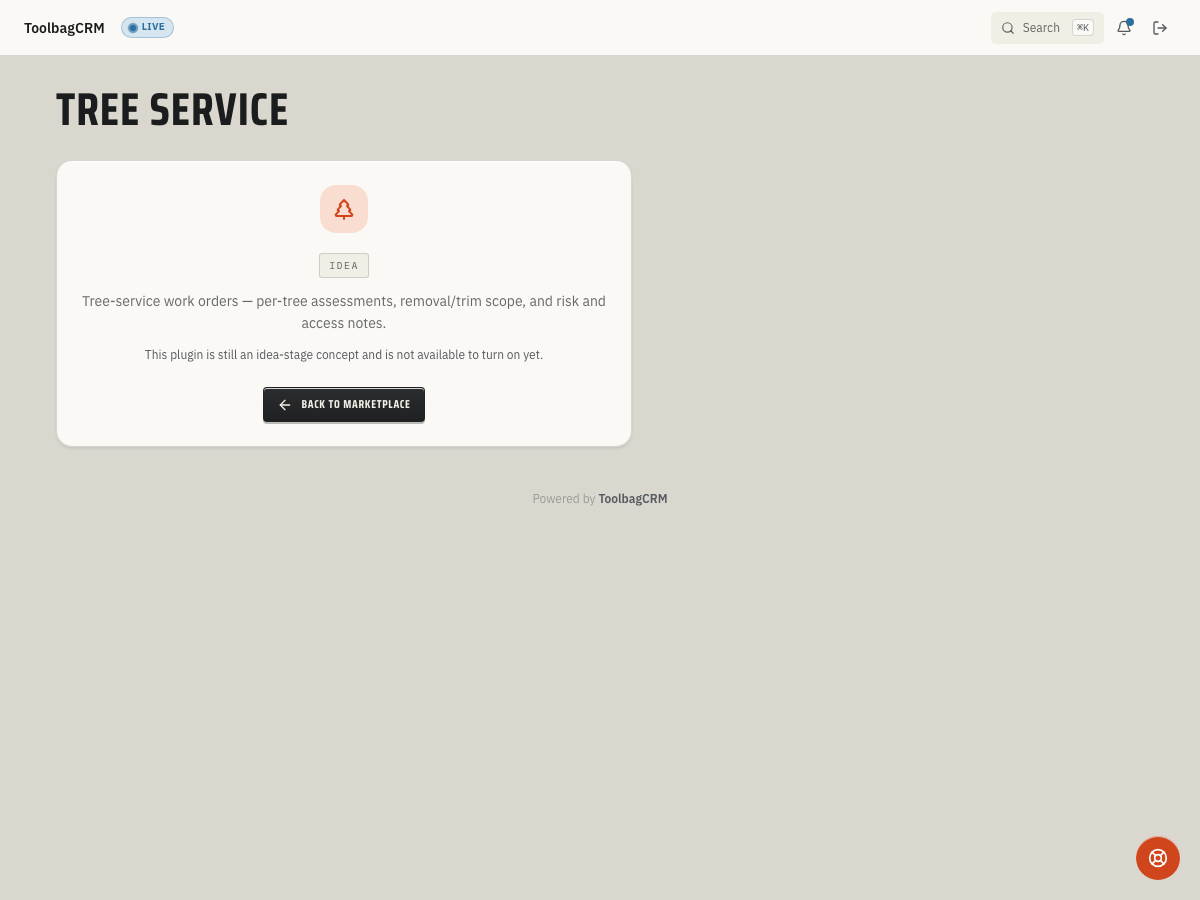
Idea stage: Tree Service is a concept and is not available to turn on yet. This guide describes planned behavior and may change before release.
Tree Service is planned to help tree-care contractors record per-tree assessments — species, diameter at breast height (DBH), and height — along with the work type, safety considerations, and certified arborist notes, all tied to the customer and job record.
When to use this
Use Tree Service when your team needs to:
- Inventory individual trees on a job site with species, DBH, and height measurements.
- Record the type of work planned: pruning, removal, stumping, emergency response, hazard assessment, cabling/bracing, fertilization/treatment, or other.
- Flag safety considerations such as trees near power lines or situations that require traffic control.
- Attach certified arborist notes and observations to the job for crew reference and liability documentation.
- Keep tree-specific assessment data linked to the customer and job so quoting, invoicing, and service history stay connected.
Before you start
- Confirm Tree Service is included in your ToolbagCRM plan.
- Prepare this step for rollout; Tree Service is not available to enable while it remains at the idea stage.
- Make sure Customers and Jobs are available on your account — Tree Service links each assessment to both records.
- Decide whether your team measures DBH in inches and height in feet, and train crews on consistent measurement methods.
Planned workflow
When the active Tree Service workspace is available, assessments are expected to include:
- Tree identification — species name, diameter at breast height (DBH) in inches, and estimated height in feet.
- Work type — Pruning, Removal, Stumping, Emergency Response, Hazard Assessment, Cabling/Bracing, Fertilization/Treatment, or Other.
- Safety flags — whether power lines are nearby and whether traffic control is required for the job.
- Arborist notes — certified arborist observations, risk assessments, and recommendations.
- Linked records — each assessment ties to a customer and job for quoting, crew dispatch, and follow-up.
Tips
- Record DBH and height consistently so estimates and crew prep stay reliable across jobs.
- Use the power-lines and traffic-control flags to help dispatch plan equipment and crew safety before arrival.
- Keep arborist notes plain-language enough for office staff to understand during customer calls.
Troubleshooting
I only see the idea-stage placeholder
That is expected until Tree Service is generally available for your account. Accounts without the active Tree Service workspace will show an idea-stage placeholder, so use this guide to prepare measurements, safety flags, and linked customer/job records before the active workspace opens.