AI Smart Notes (Idea)
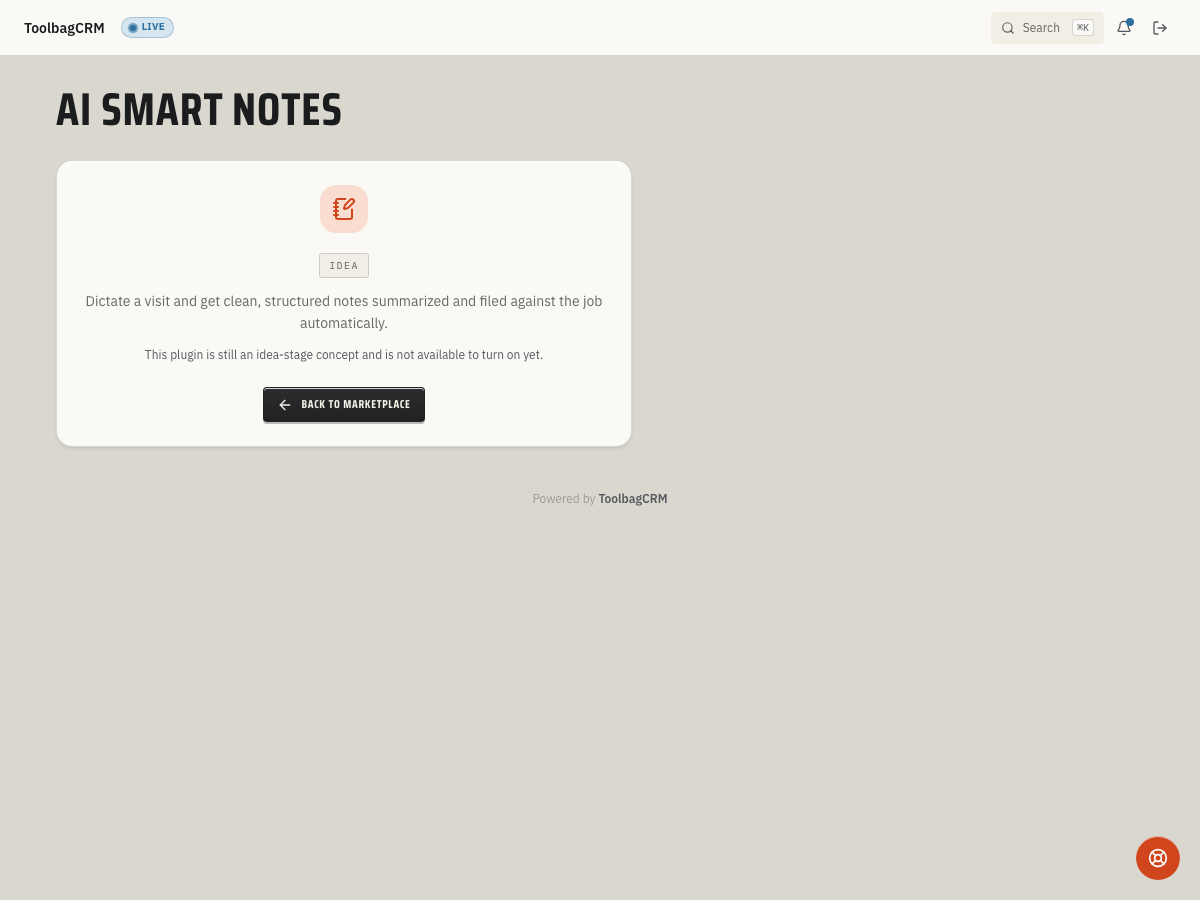
Idea stage: AI Smart Notes is a concept and is not available to turn on yet. This guide describes planned behavior and may change before release.
AI Smart Notes is planned to help field and office teams turn visit notes, job conversations, and customer details into cleaner follow-up records inside ToolbagCRM.
The current idea-stage screen cannot capture, transcribe, or summarize notes. A future workflow may let your team save note text with optional job or customer links and review suggested summaries and follow-ups; those details may change before release. Until a working public UI ships, use normal job notes, customer notes, documents, or task follow-ups for production work.
When to use this
Consider AI Smart Notes for future use when technicians or office staff need a faster way to turn rough notes into structured follow-up material. It is not available for daily work yet.
Good fits include:
- Summarizing a job-site walkthrough after a technician dictates notes.
- Capturing customer preferences, access instructions, or site conditions from a call.
- Turning free-form visit notes into follow-up reminders for estimates, repairs, or office review.
- Keeping job and customer context together instead of leaving action items in personal notebooks or text threads.
Before rollout
Consider these practices if the workflow becomes available:
- Decide which notes are safe to summarize with AI assistance and which sensitive details should stay out of dictated notes.
- Create a review rule: a human should read and correct AI-generated summaries before relying on them for customer communication or job decisions.
- Confirm how your team will link notes to jobs and customers so summaries are filed in the right place.
- Train staff to keep raw notes factual, avoid unnecessary personal information, and call out promised follow-ups clearly.
Planned workflow
One possible future workflow, subject to change:
- Open the AI Smart Notes workspace from ToolbagCRM.
- Add raw note text from a job, call, or customer conversation; dictation is a proposed capability, not a current control.
- Link the note to the related job or customer when that context is known.
- If summaries and follow-ups are added, review the suggestions rather than treating them as confirmed facts.
- Correct the summary before using it in customer-facing communication or internal handoff notes.
- Move any action items into the normal task, estimate, job, or customer follow-up workflow.
Tips
- Always review the AI summary before sharing it. The generated text is a starting draft, not a final record. Correct wrong names, addresses, amounts, equipment details, or promises before the summary reaches a customer or office handoff.
- Keep raw notes factual and specific. Record equipment model numbers, what the customer reported, and what the technician observed rather than vague impressions or opinions.
- Check record links if the future workflow supports them. A note belongs with the right job or customer; confirm the link rather than assuming one was created automatically.
- Avoid unnecessary sensitive information. Financial account numbers, medical details, and personal identifiers should not go into a future AI summary. Keep notes limited to business-relevant facts.
- There is no customer note-entry screen yet. A subscription change will not make the idea-stage workflow available.
Human review rules
AI Smart Notes should speed up documentation, not replace judgment. Review for:
- Wrong customer, job, address, amount, date, or equipment details.
- Promises the company did not actually make.
- Missing safety, access, warranty, or payment details.
- Sensitive information that does not belong in a shared job record.
- Follow-ups that need a real task, estimate, or scheduled visit.
Current availability
AI Smart Notes is at the Idea stage. The page shows a placeholder rather than a note-entry or settings screen, so treat this as planning guidance until ToolbagCRM releases a working UI.
Troubleshooting
I only see an idea-stage screen
That is expected during the idea stage. The feature is not generally available yet, so use the existing job, customer, document, or task workflows for production notes.
I need to capture notes today
Use the existing job, customer, document, or task workflows your account already relies on. Do not wait for AI Smart Notes to capture critical customer commitments, warranty details, safety issues, or payment notes.