Customer Onboarding (Idea)
Idea stage: Customer Onboarding is a concept and is not available to turn on yet. This guide describes planned behavior and may change before release.
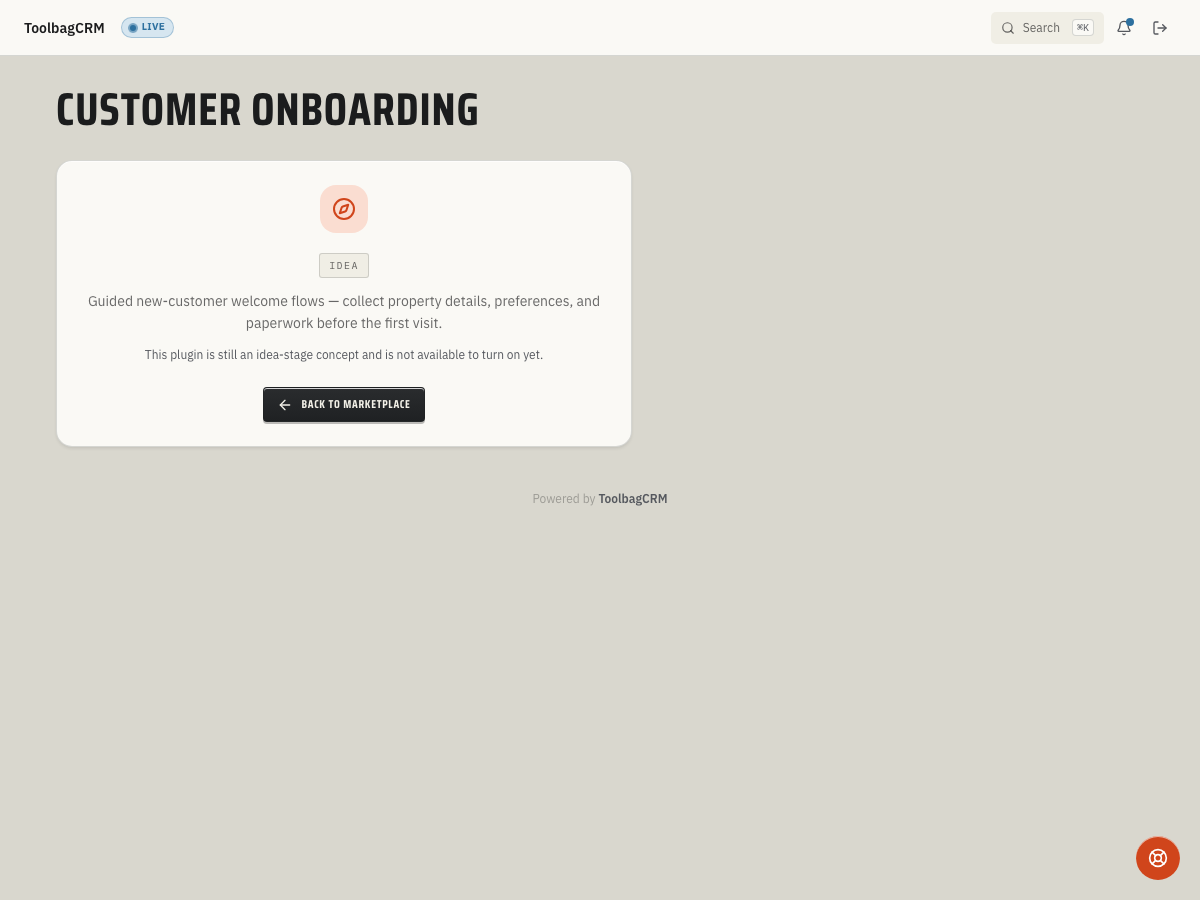
Customer Onboarding is planned to organize welcome steps for new customers, such as collecting property details, requesting paperwork, and assigning an internal follow-up. It does not currently provide a usable customer-facing flow screen or automatically send welcome messages.
When to use this
- You want to plan a repeatable welcome checklist for new customers rather than relying on someone to remember every step.
- Your office needs to collect property information, gate codes, or signed agreements before the first job.
- You want to plan how your team will track onboarding progress per customer so nothing falls through the cracks during the first 30 days.
Before you start
- Prepare your welcome checklist and the information your team needs to collect. Customer Onboarding is not available to enable while it remains at the idea stage.
- Keep using Customers for customer records and your existing approved process for welcome messages and follow-ups; the planned workflow would link each onboarding instance to a customer.
Planned workflow
When the active Customer Onboarding workspace is available, the workflow is expected to work like this:
1. Create an onboarding flow
Define a flow with a name and an ordered list of steps. Each step has:
- Step type — examples in the current design include sending an email, collecting information, or assigning a manual task. These step names do not mean messages are sent automatically today.
- Title — a short label that tells the team what the step is for.
- Due relative days — how many days after the flow starts before the step is due.
- Required for completion — whether the step must be done before the onboarding instance counts as complete.
A flow must include at least one step.
2. Start an instance for a customer
The planned workflow would let your team start an instance for a customer using a chosen flow, copying the flow's steps to track progress. Adding a customer alone does not currently start onboarding or send a message.
3. Complete steps
The planned workflow would let your team mark steps done or skip them. The current design counts required steps marked Done or Skipped toward the completion percentage; an instance with all required steps resolved reaches 100%. The final customer-facing controls may change before release.
4. Cancel if needed
If onboarding no longer applies, the planned workflow would let your team cancel an active instance while keeping its record. Do not rely on this feature to generate tasks or reminders today.
TIP
Since this plugin is still at the idea stage, the exact UI steps may change before general availability. Use this guide to plan your welcome flow and required data before the active workspace is enabled.
Tips
- Keep flows short — five to seven steps is enough for most residential customers. Long flows feel like paperwork.
- Plan who will send each welcome message and who will handle calls or office tasks; the Idea placeholder cannot automate either action.
- In your planned checklist, space follow-ups over the first week or two so customers have time to respond. The final due-date controls are not available yet.
- Mark only the truly essential steps as required for completion so the onboarding can still close even if a customer skips an optional item.
- Review your existing welcome checklist periodically to spot steps that customers often find difficult.
Troubleshooting
The Customer Onboarding page still says Idea
That is expected while Customer Onboarding is at the idea stage. Your account will show an idea-stage placeholder until the active onboarding workspace is enabled.
I need to welcome a customer today
Use your existing customer records, approved messaging channel, and team checklist. The Idea placeholder cannot save flows, track onboarding progress, or send welcome messages.