AI Receptionist (Idea)
Idea stage: AI Receptionist is a concept and is not available to turn on yet. This guide describes planned behavior and may change before release.
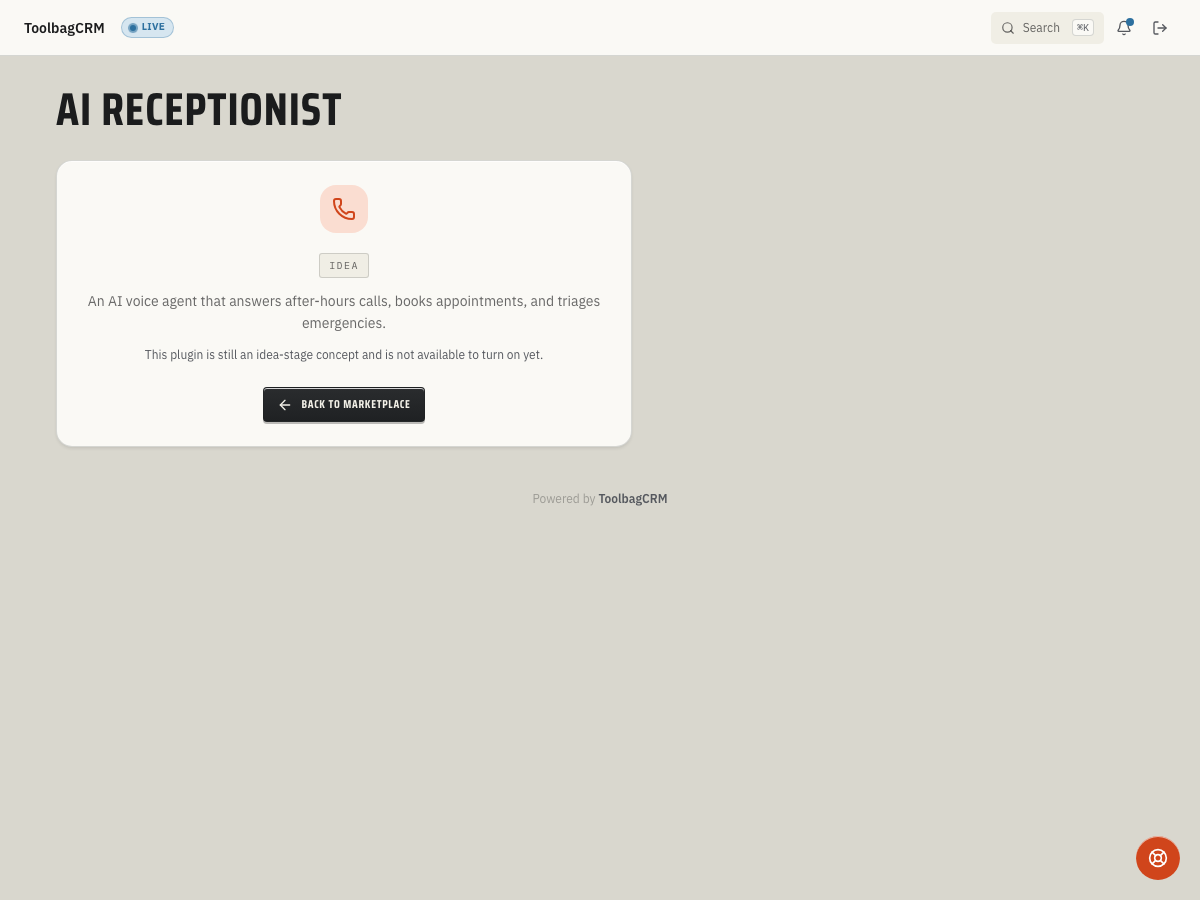
AI Receptionist is a planned voice agent for after-hours and overflow calls. Today, its idea-stage screen cannot answer calls, book appointments, or show a call log. Future call handling may capture caller details and route requests, but an outcome labeled Booked would not, by itself, confirm that an appointment or job was created.
When to use this
Consider AI Receptionist for future after-hours or overflow coverage. It cannot replace voicemail or your existing call-handling process while it remains an idea.
Common scenarios:
- After-hours emergencies — a future call-handling flow could capture the details of a burst pipe and flag the request for office follow-up; keep your existing emergency coverage in place until a working flow is available.
- Peak scheduling windows — a future call-handling flow could take requests while office staff handle complex jobs. Your staff would still need to confirm any booking in the schedule.
- Technician callbacks — a future flow could take a message or route an open-job inquiry to your team; do not assume it has linked the call to that job.
Before you start
- Wait until the feature moves out of Idea and a working call-handling flow is available.
- Decide which caller requests should receive office follow-up and which might eventually need a booking; the final workflow is not defined yet.
- Keep your current phone coverage in place; the idea-stage screen has no phone setup.
What to plan for
There is no phone-line connection, live call answering, booking, or call log in the current Idea screen. Keep using your existing phone service and record requests through your normal office process.
If a working call flow is released, confirm how it connects to your phone service, which calls it can answer, and how it hands urgent or missed calls to a person. Decide who will review requests and verify appointments in the schedule. The setup and available controls have not been announced and may change.
A future call record may show an outcome such as Booked, Message Taken, Transferred to Human, Hung Up, or Not Answered. Those labels do not establish that a call was answered, a transfer happened, or a booking was created today. If call records become available, verify any appointment or job in its own record before telling the customer it is confirmed. Transcripts, recordings, and customer links are not available in the current Idea screen and should not be assumed for launch.
Tips
- If call handling becomes available, review after-hours outcomes before relying on it for peak-hour overflow.
- If transcripts become available, review them for caller requests that need follow-up.
- If call handling becomes available, make sure callers know they are speaking with an automated assistant.
- If call outcome reports become available, compare requests needing follow-up with transfers and missed calls. Do not count a Booked outcome as a created job without checking the job record.
Troubleshooting
I only see an idea-stage screen
That is expected during the idea stage. AI Receptionist has a placeholder route while the active voice-agent setup, call log, and settings screens are not generally available yet.
I need to capture caller details today
The future call-record flow may require a caller phone number. The idea-stage screen has no call-record form, so use your existing phone and office follow-up process rather than expecting to add a call here.