AI Sales Coach (Idea)
Idea stage: AI Sales Coach is a concept and is not available to turn on yet. This guide describes planned behavior and may change before release.
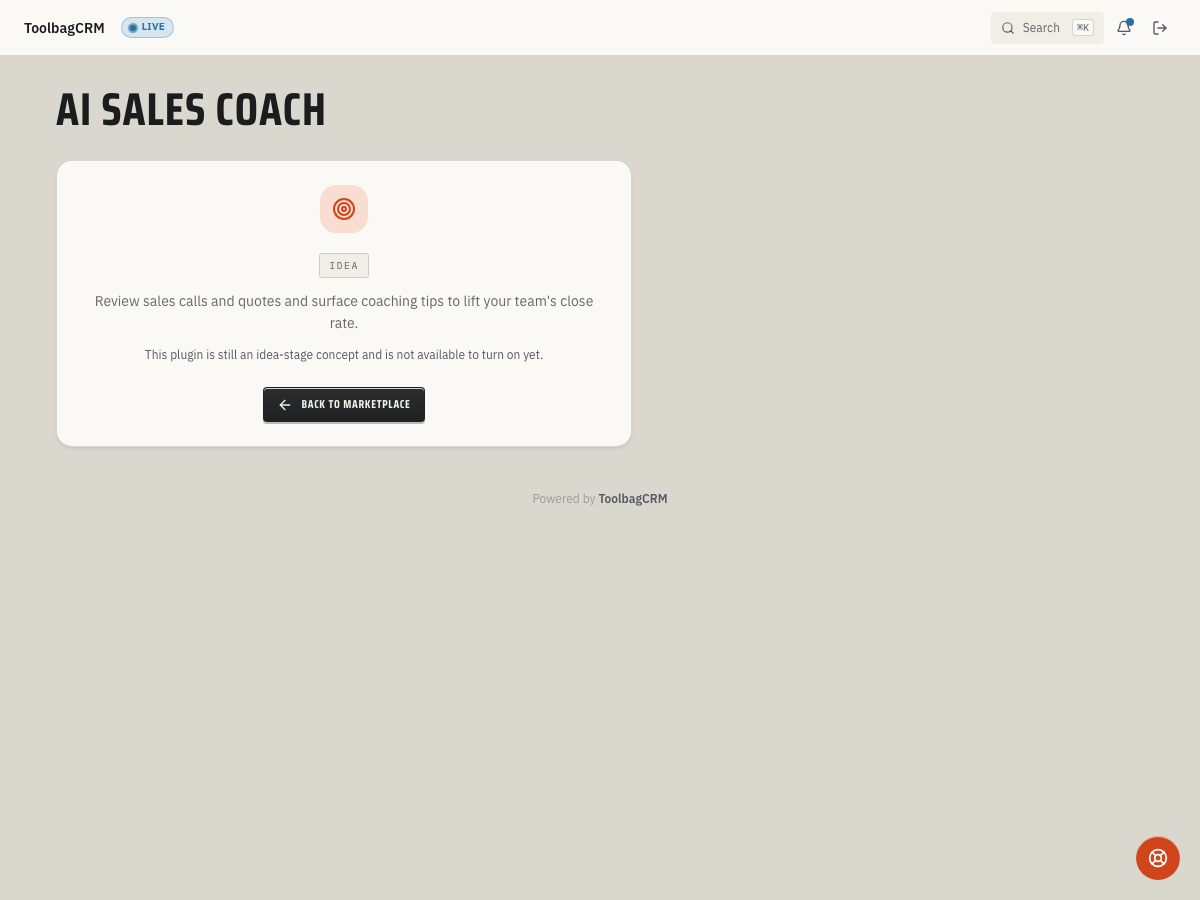
AI Sales Coach is an idea for helping managers review sales calls and quote follow-ups. The current screen is a placeholder: it cannot analyze conversations, score quotes, or produce coaching suggestions.
When to use this
If this idea is released, it could give owners and managers a repeatable way to review rep conversations and quote follow-ups, and identify coaching opportunities with their team.
Until then, keep using your existing call notes, quote notes, and manager reviews as the source of truth.
Before you start
- AI Sales Coach is not available to turn on while it remains at the Idea stage. Use this guide for planning only.
- Keep Team records current so future reviews can be tied back to the right rep or technician.
- Decide which conversations should be reviewed: inbound sales calls, estimate presentations, quote follow-ups, or lost-deal reviews.
- Set expectations with the team that AI suggestions should support manager review, not replace human judgment.
Planned workflow
A possible future process, subject to change, would be:
- Choose the rep, technician, or advisor whose conversation should be reviewed.
- Gather the conversation or quote follow-up notes, following your company's privacy rules.
- If coaching suggestions become available, compare them with the original conversation and actual quote outcome.
- Discuss the findings with the team member and agree on a follow-up action.
- Revisit later conversations to see whether the coaching helped.
None of these steps is available on the current Idea screen. No score or AI feedback is generated there.
What to prepare now
- Standardize where your team records sales-call notes and quote follow-up notes.
- Keep quote outcomes current so managers can compare coaching notes with real close results.
- Create a short internal rubric for what “good” looks like: discovery questions, problem recap, clear pricing explanation, urgency, and next appointment or approval step.
- Decide who can submit conversations for review and who can see coaching feedback.
Tips
- Start with one sales role or branch before rolling the workflow out company-wide.
- Use coaching reviews for patterns, not one-off blame. Look for repeated missing next steps, unclear pricing explanations, or weak follow-up timing.
- Keep sensitive customer details out of pasted notes unless your account policy allows them.
- Compare coaching themes with quote close rate, callback rate, and customer feedback before changing scripts.
Troubleshooting
I only see an Idea screen
That is expected. AI Sales Coach cannot be turned on while it is at the Idea stage. Use your existing notes and manager review process rather than expecting a review form, score, or suggestions on this screen.