Document Routing (Coming Soon)
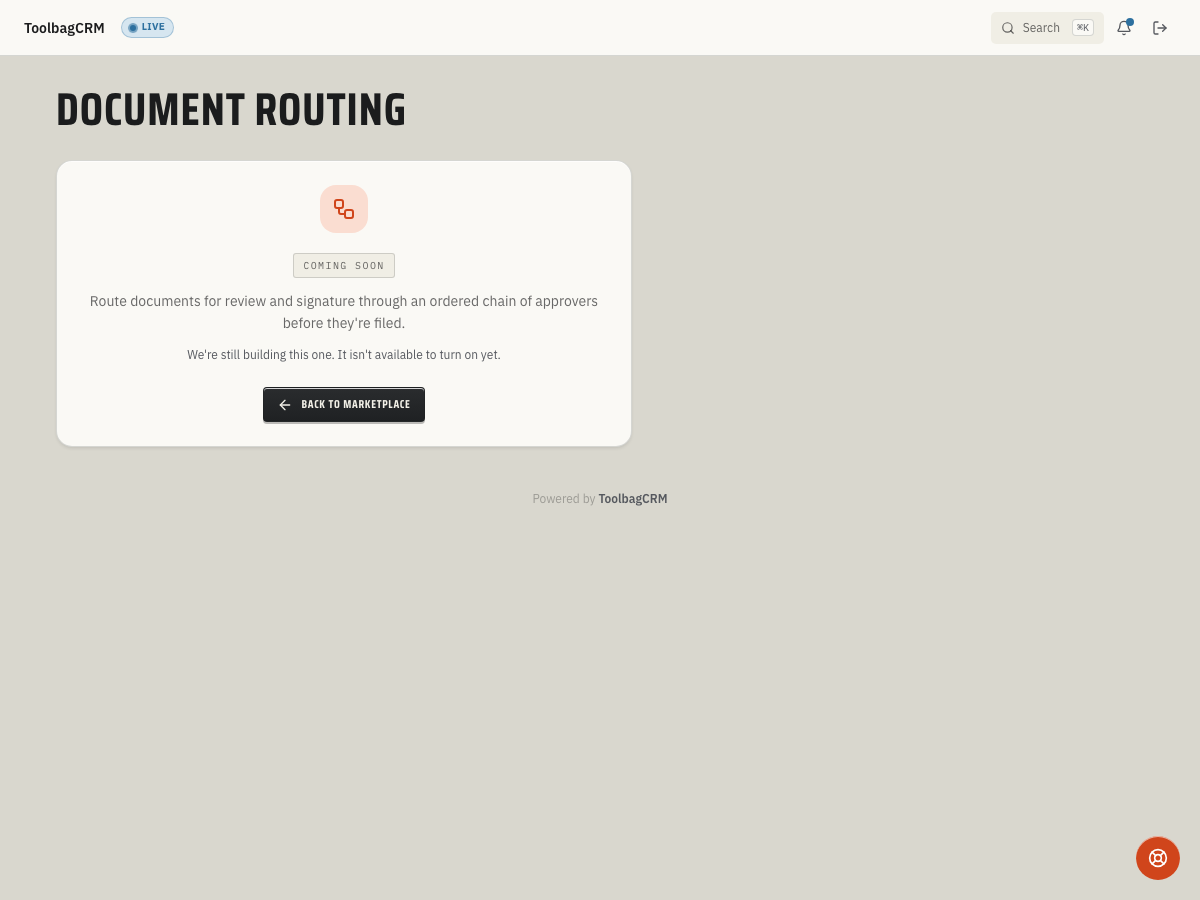
Coming Soon: Document Routing is being finished or tested and is not available to turn on yet. This guide describes the expected workflow and may change before release.
Document Routing is planned to send quotes, contracts, and work orders through an ordered chain of reviewers before filing or delivery. The review workflow is not available yet.
When to use this
- Your office requires manager or supervisor sign-off before a customer-facing document is finalized.
- You want an auditable trail of who reviewed and approved each document.
- Documents need to pass through multiple team members in a specific order before filing.
Before you start
- Confirm the plugin is included in your plan.
- Prepare this step for rollout; Document Routing is not available to enable during the coming-soon stage.
- The Team plugin must be available — routing steps assign reviewers from your team roster.
Planned workflow
When the active Document Routing workspace is available, the workflow is expected to work like this:
- Create a routing slip — give it a title, link the originating document (for example, a quote), and define the ordered review steps. Each step specifies the team member who must act and their position in the chain.
- Route for review — the slip enters the In Review status. Each assigned reviewer receives the slip in their inbox.
- Reviewer acts — when it is their turn, the reviewer marks the step as Reviewed. The slip then moves to the next step in the chain, or is Released if all steps are complete.
- Hold and resume — a routing slip can be put On Hold at any time and resumed later. When resumed, the slip returns to its previous review step.
- Released — once every reviewer has signed off, the routing slip is marked Released and the document is considered approved for filing or delivery.
TIP
Since this plugin is still in the coming-soon stage, the exact UI steps may change before general availability. Use the planned workflow above as a rollout guide until your account has the active routing workspace.
Planning tips
- Plan which documents need sign-off and who should review them first; the proposed chain is sequential, not parallel.
- Keep the proposed chain short where possible. A technician review followed by manager approval may be enough for some documents.
- Decide how your team would handle a pause while waiting for a customer response. The proposed On Hold state is not available yet.
What you can see today
The Coming Soon screen is expected. You cannot create a routing slip, open a reviewer inbox, or resolve routing errors until the workflow is released; the planned steps and states above may change.