Smart Routing (Idea)
Idea stage: Smart Routing is a concept and is not available to turn on yet. This guide describes planned behavior and may change before release.
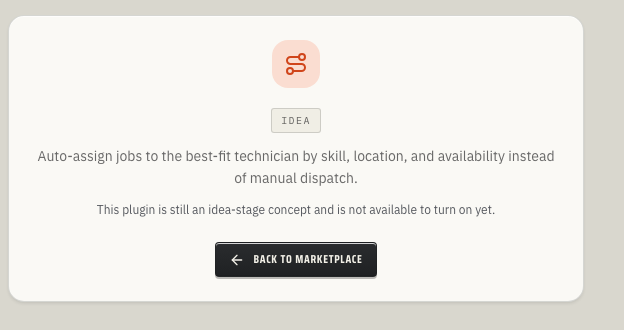
Smart Routing is planned to recommend the best technician or crew for a job by comparing skill fit, location, availability, and workload. Instead of manually checking the schedule every time a new job comes in, dispatchers will be able to review ranked recommendations and accept or reject the suggested assignment.
When to use this
Use Smart Routing when dispatch decisions depend on more than the next open calendar slot:
- You need to balance job location, technician skills, and current workload.
- Your dispatchers want recommended assignments they can review before committing.
- Your team wants a record of why a technician was recommended for a job.
- You want to reduce back-and-forth between office staff and field crews before assigning work.
Current availability
Smart Routing is marked Idea in ToolbagCRM. The current page renders an idea-stage placeholder rather than an active routing board, and there is no announced release date or enablement path.
The planned workflow includes support for:
- Recommendations grouped by job.
- A recommended technician name and score.
- A plain-English reason summary for the recommendation.
- Accept and reject actions that record when the dispatcher made a decision.
Before you start
If Smart Routing moves into development and becomes available, these foundations are expected to matter first:
- Jobs are created with enough detail for the dispatcher to understand the work.
- Team members are set up for the technicians or crews who can receive assignments.
- Your team has agreed on who is allowed to accept or reject routing recommendations.
- Any skill, territory, or availability data used by your rollout is kept current.
Planned workflow
- Open the job that needs an assignment.
- Review the Smart Routing recommendations for that job.
- Compare each recommendation's technician, score, and reason summary.
- Accept the best recommendation when it matches the real-world schedule.
- Reject recommendations that are not a good fit so the decision history stays accurate.
- Assign or update the job using the accepted recommendation.
Tips
- Start with one dispatch team or trade line before using automated recommendations across the whole company.
- Treat recommendation scores as decision support, not a replacement for dispatcher judgment.
- Keep technician profiles and schedules clean; stale availability data will make routing suggestions less useful.
- Review rejected recommendations during rollout so you can spot missing skills, bad territory assumptions, or incomplete job data.
Troubleshooting
I only see an Idea screen
That is expected today. Smart Routing is an idea-stage concept, not an active plugin you can turn on. Keep assigning technicians through the current Jobs, Team, Scheduling, or Dispatch workflows unless ToolbagCRM announces an active Smart Routing release.
Recommendations are not available for a job
After release, first confirm the job has the required details and that eligible technicians exist in Team. If a job has no matching skills, territory, or availability data, the routing list may be empty until those records are updated.