
Solar Install (Idea)
Idea stage: Solar Install is a concept and is not available to turn on yet. This guide is for planning; the eventual workflow may change before release.
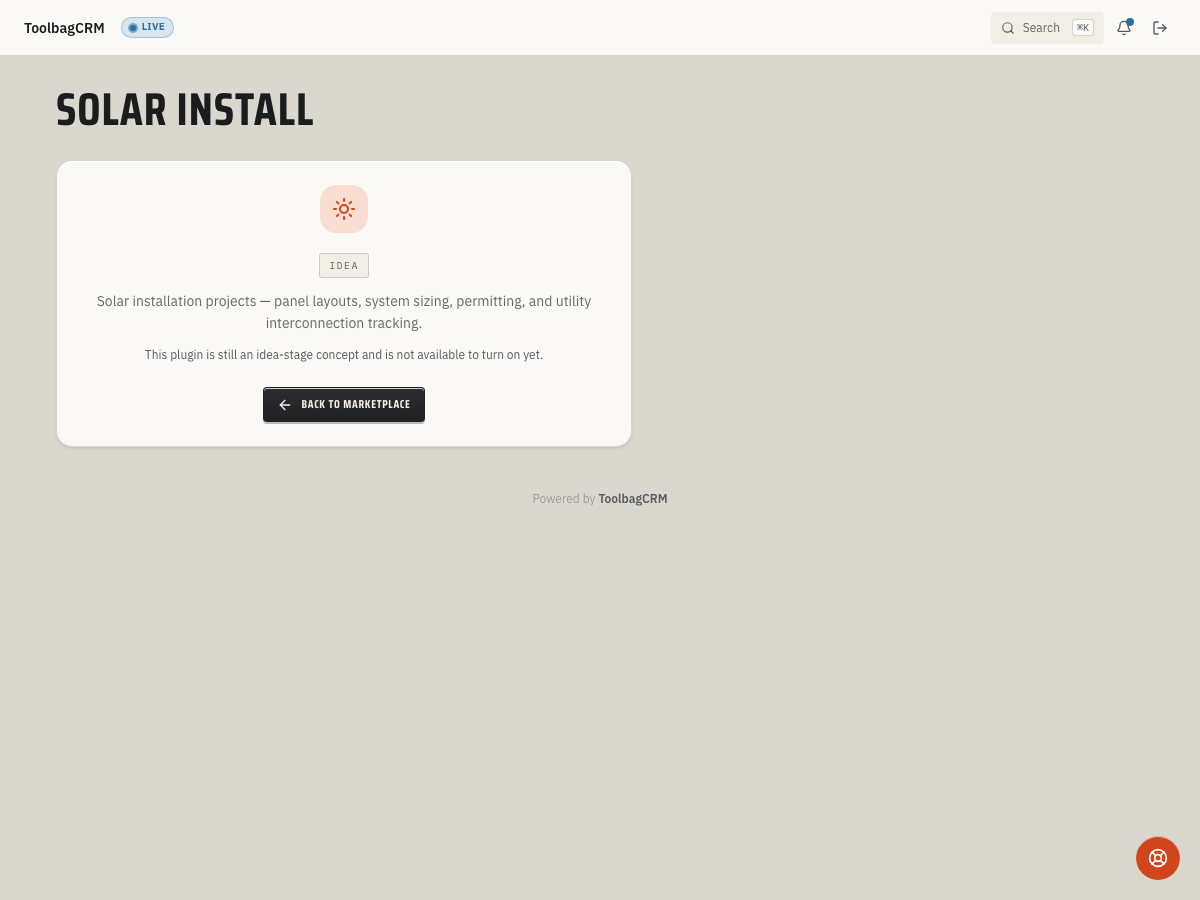
Solar Install is an idea for keeping installation details alongside customers and jobs. The current screen cannot create projects, size a system, calculate energy or savings, or track permits and utility approval. Keep using your existing design, permitting, and interconnection processes.
When to consider this
For a future solar-project workflow, discuss what your team would need to retain:
- Customer, site, and job references so the right crew can find the work.
- Approved system design, panel and inverter specifications, and battery details.
- Production and savings estimates, including their assumptions and who approved them.
- Permit, inspection, utility-interconnection, and permission-to-operate milestones.
- Handoff records for installation, commissioning, warranty, and follow-up.
These are planning questions, not available fields or promised calculations.
Before a future rollout
- Continue using your approved design and estimating tools; do not rely on this Idea screen for system sizing or customer savings projections.
- Keep permit, inspection, and utility paperwork in the process your team already uses. An expected activation date alone would not confirm permission to operate.
- Use Customers and Jobs for work those available features support, without treating them as a substitute for your solar compliance process.
- Review any released Solar Install workflow with your installer and permitting leads before moving project records into it.
Current availability
The Solar Install route shows an Idea placeholder with a return-to-Marketplace button, not an entry form. There is no customer-facing project editor or confirmed release date. If you need to coordinate solar work now, continue using your existing tools and the available customer and job records where appropriate.